Deposits - add USDT or ETH to your wallet
You deposit by sending USDT or ETH from your own crypto wallet to the deposit address the game gives you. Your balance goes up once the blockchain has confirmed the transfer. A deposit is not instant, and a transfer sent on the wrong network or in the wrong token cannot be credited.
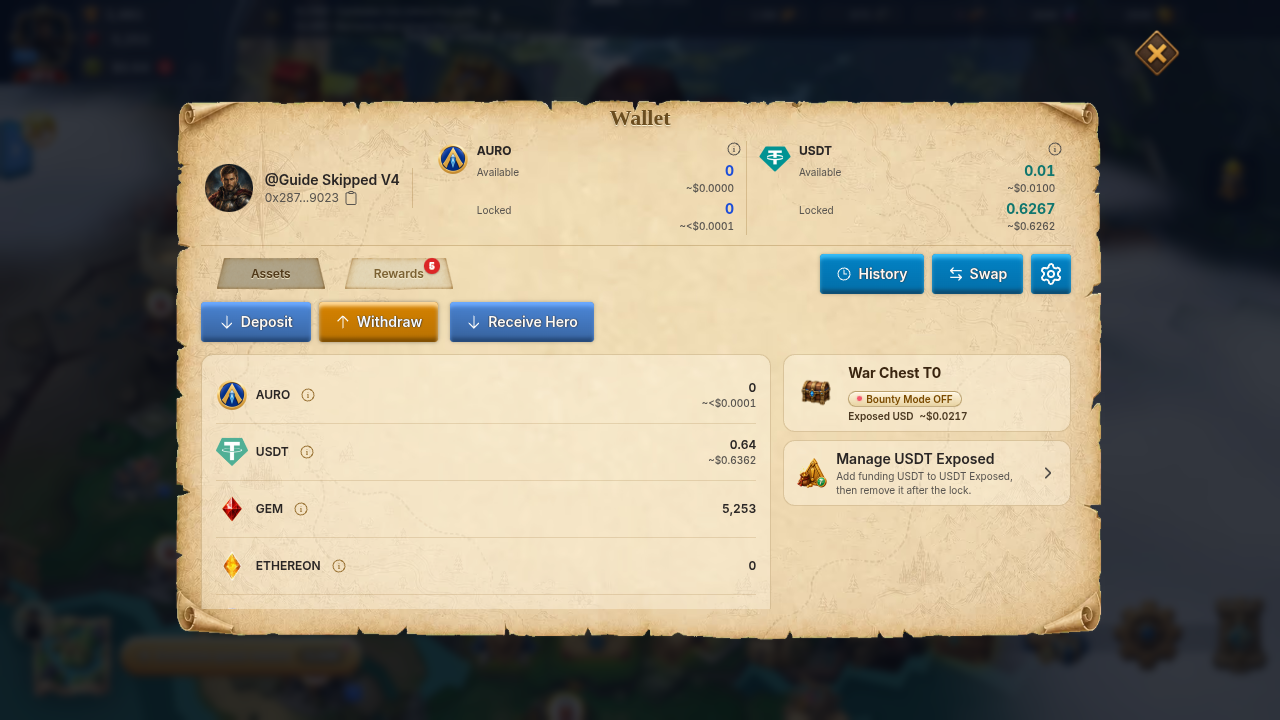
What you can deposit
Section titled “What you can deposit”These are the networks and tokens the Deposit window lists today:
| Network | Token | Minimum per transfer |
|---|---|---|
| BNB Smart Chain | USDT | none |
| Arbitrum One | USDT | none |
| Arbitrum One | ETH | 0.0005 ETH |
| Robinhood Chain | ETH | 0.0005 ETH |
- The window always shows the minimum for the token and network you picked under Minimum deposit. Trust that number over this table if they ever differ.
- AURO is no longer accepted. Do not send AURO to your deposit address. AURO bought after the cutoff cannot be deposited.
- USDC, and any token not in the list above, cannot be credited. Do not send them.
- Some tokens may also show a Solana network in the picker. Only use it when the window offers it for that token, and use the Solana address it shows.
How to deposit
Section titled “How to deposit”- Open Wallet and tap Deposit.
- Under Asset, pick the token (USDT or ETH).
- Under Blockchain network, pick the network you will send on. The list only shows networks that support that token.
- Copy Your in-game deposit address (or scan the QR code). Tap Copy to be sure you got all of it.
- In your own wallet, send that token on that same network to the address. Send at least the Minimum deposit.
- Wait for your balance to update. A Deposit received message appears when it is credited.
Good to know:
- Your EVM deposit address is the same on every listed EVM network (BNB Smart Chain, Arbitrum One, Robinhood Chain). Because the address is shared, your wallet app will not warn you if you pick the wrong network. Check the network before you confirm.
- If the address does not show, the window says Can’t deposit yet. Wait a moment and try again, or sign out and back in.
- You can send from any wallet or exchange that supports the token and network.
How long until it shows up
Section titled “How long until it shows up”The game credits a deposit only after the transfer has 15 block confirmations on its network. The time this takes depends on the blockchain, so there is no guaranteed number. While it is being checked, open Wallet to see it listed with its status.
| Status you may see | What it means |
|---|---|
| Pending / Processing | The game is still checking or crediting it. Wait. |
| Success | Credited to your balance. |
| Verifying | We are checking the deposit. It is not in your balance yet. |
| Under review | Our team is reviewing it. It is not in your balance yet. |
| Below minimum | The transfer was smaller than the minimum, so it was not added to your balance. |
| Returning / Returned | The deposit could not be added, so it is being sent back or already was. Use View return to open the return transaction. |
Rules and limits
Section titled “Rules and limits”- Each transfer has to reach the minimum on its own. Smaller transfers are never credited and cannot be refunded. Do not split a deposit into several small sends.
- Send only the asset and network you selected. Sending the wrong asset or network can lose the funds for good.
- Only deposits sent to your own deposit address are credited to your account.
If something goes wrong
Section titled “If something goes wrong”Sent, but nothing appears.
- Open the transaction in a block explorer. Check that it is confirmed and that the token and network are in the table above.
- Check that the recipient address matches Your in-game deposit address exactly.
- Wait for the confirmations to finish, then reopen Wallet.
Sent on the wrong network, or the wrong token, or less than the minimum. The game cannot credit it automatically, and the funds may not be recoverable. Do not send the same transfer again. Open a ticket anyway so the team can look: Setting → More → Support, see Contact support.
Send support these details so they do not have to ask again:
- The transaction hash or explorer link
- The network and the token
- The amount and the time you sent it
- The deposit address you sent to
- A screenshot of Wallet → history
Never send anyone your private key, seed phrase, or wallet password. Support never needs them.
Related: Withdrawals, USDT battle loot.